

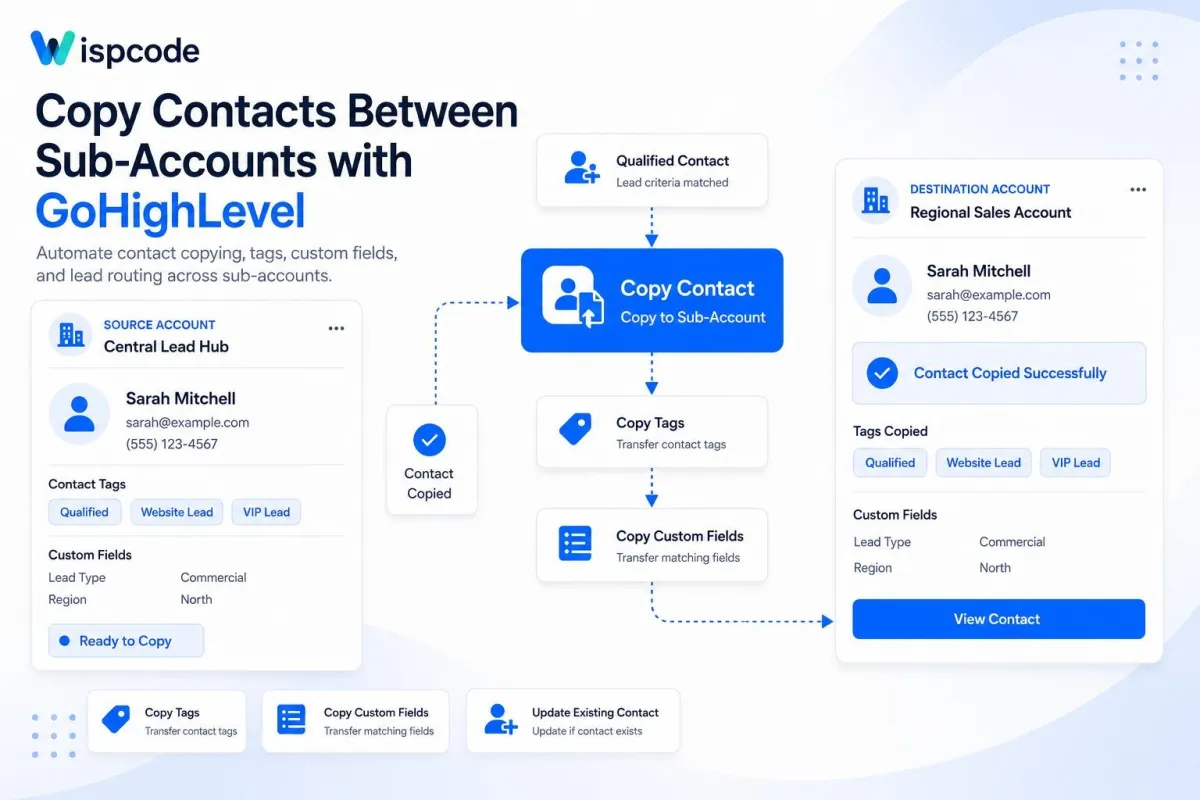
Use Copy Contact in GoHighLevel by using duplicate contact records: Step-by-Step Guide

Use Copy Contact in GoHighLevel by using duplicate contact records: Step-by-Step Guide

Use Copy Contact in GoHighLevel by using duplicate contact records: Step-by-Step GuideWispcode Team
Published on: 31/08/2026

Learn how to use the Copy Contact action in GoHighLevel to copy contacts between sub-accounts, transfer tags and custom fields, and automate lead routing

GoHighLevel Copy ContactGoHighLevel Copy Contact actioncopy Contact in GoHighLevelGoHighLevel contact automationGoHighLevel contact managementGoHighLevel workflow automationGoHighLevel sub-accountsCopy contacts between sub-accountsGoHighLevel lead routingGoHighLevel contact transferGoHighLevel workflow actionsGoHighLevel custom fieldsGoHighLevel contact tagsautomated lead routingHighLevel Copy Contact
How to Automatically Assign Leads in GoHighLevel

How to Automatically Assign Leads in GoHighLevel

How to Automatically Assign Leads in GoHighLevelWispcode Team
Published on: 28/08/2026

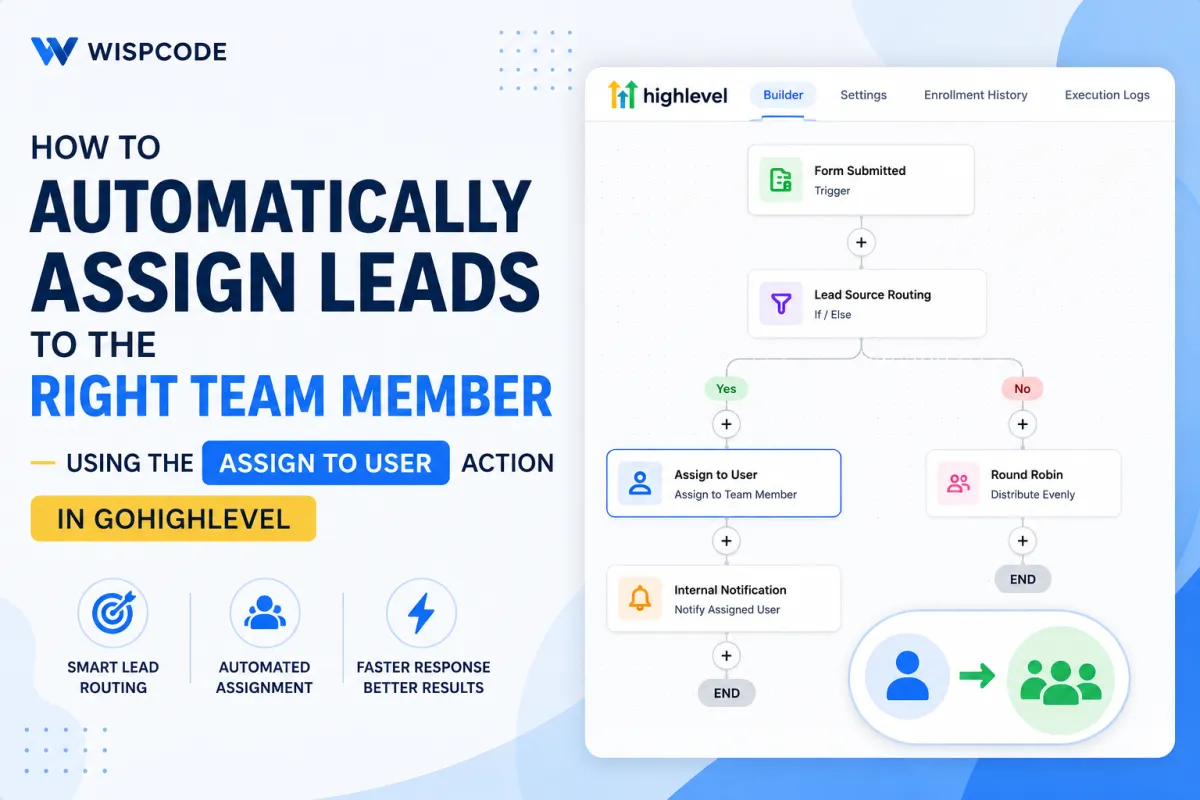
Wispcode blog cover showing how GoHighLevel’s Assign to User action automates lead routing, assigns leads to the right team member, and supports faster follow-up.

GoHighLevel Assign to UserGoHighLevel Assign to User actionGoHighLevel lead assignmentautomatically assign leads in GoHighLevelGoHighLevel lead routingGoHighLevel workflow automationGoHighLevel CRM automationGoHighLevel lead managementGoHighLevel workflows

At Wispcode, we deliver pioneering digital engineering strategies that empower businesses to grow with confidence.

Get in touch with us

Email:

Phone:

Hours: 24/7 available

Copyright @2026 Wispcode. All Rights reserved.
